Onboarding
0. Prerequisites
To work with Constellation, ensure you have the following tools installed:
kustomize(brew install kustomize)git
1. Clone the clear-route/constellation-iac Repository
Important
The branch name should match your application name (e.g., the github.com/clear-route/ repository name). This is only a requirement for the very first Application Onboarding PR.
git clone git@github.com:clear-route/constellation-iac.git
cd constellation-iac
git checkout -b <app-repo-name>
2. Create your Application's kustomize Directories
Tip
External Apps: Your app is considered external if it is an upstream application, such as nginx, redis, etc.
Internal Apps: If your app is internal (i.e., the repository is under github.com/clear-route), it belongs in the internal/ directory.
We use kustomize extensively to template Kubernetes manifests with environment-specific values. To create the basic directory structure for your app, run the following commands, replacing the variables with your specific details:
APP_NAME=<app-name> # repo-name
SCOPE=<scope> # internal or external
mkdir -p applications/$SCOPE/$APP_NAME/{base,overlays}
mkdir -p applications/$SCOPE/$APP_NAME/overlays/{dev,prod,preview}
which results in:
3. Create Application-Specific Infrastructure
You will likely need Container Registries (ECR) to push your application images to and AWS Secrets Manager paths for secret management.
This is managed using Terraform and is triggered automatically via Atlantis when your PR touches applications/internal/ or applications/external/. Once you open your onboarding PR:
- Atlantis will automatically post a
terraform plancomment on your PR for each environment — one per project (Constellation-Applications-DevandConstellation-Applications-Prod) — showing what infrastructure will be created in each account (ECR repos, IAM roles & policies, Secrets Manager paths). - A Constellation Operator will review the plans and comment
atlantis applyon the PR to provision the infrastructure.
Note
The apply requires the PR to be approved before an operator can run it. Make sure you have at least one approval before asking an operator to apply.
Publish Your Images
Once infrastructure setup is complete, you can push and publish your application images. Check out our Constellation-Core Github Action Pipelines for this:
# .github/workflows/publish.yaml
name: CI Development

on:
  pull_request:
    branches:
      - main
  push:
    branches:
      - main
  workflow_dispatch:

jobs:
  [...]
  build-images:
    needs: lint
    uses: clear-route/constellation-core/.github/workflows/docker-publish.yaml@main
    strategy:
      fail-fast: false
      matrix:
        component:
          - name: frontend
            dockerfile: ./apps/web/Dockerfile
          - name: backend
            dockerfile: ./apps/api/Dockerfile
          - name: migration
            dockerfile: ./apps/api/migration.Dockerfile
    secrets:
      COMPASS_NPM_TOKEN: ${{ secrets.COMPASS_NPM_TOKEN }} # this is an org-secret, you dont need to set this one up
    with:
      environment: ${{ github.event_name == 'pull_request' && 'dev' || 'prod' }}
      app-name: ${{ github.event.repository.name }}
      dockerfile-path: ${{ matrix.component.dockerfile }}
      image-tag-suffix: ${{ matrix.component.name }}
      ci-role-name: ecr-${{ github.event_name == 'pull_request' && 'dev' || 'prod' }}-${{ github.event.repository.name }}
4. Add your kustomize & Kubernetes Manifests
Now it's up to you to add the required Kubernetes manifests to your <app-name>/base directory and wire them together in your environment-specific overlays directory for each environment (<app-name>/overlays/<env>/kustomization.yaml). You should start with the dev overlay.
This process varies depending on your application's needs. Review existing applications for examples:
As well as these docs. This should help you to get started.
During development it is helpful to run kustomize build applications/<app-name>/overlays/<env> to see the fully rendered manifests.
5. Create the Onboarding Pull Request
Once you are comfortable with your kustomize templates, push the changes and create a Pull Request (PR).
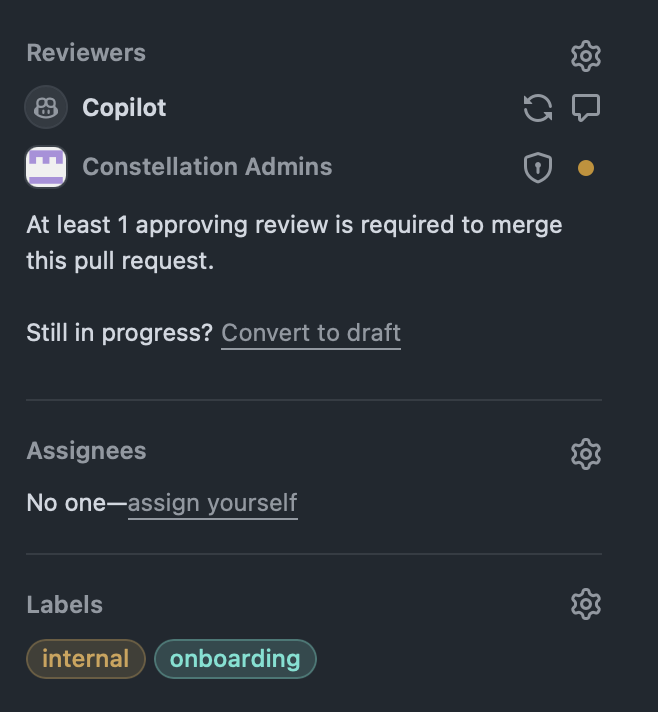
Optionally, add the labels onboarding and external (if your app is external) or internal (if your app is internal).
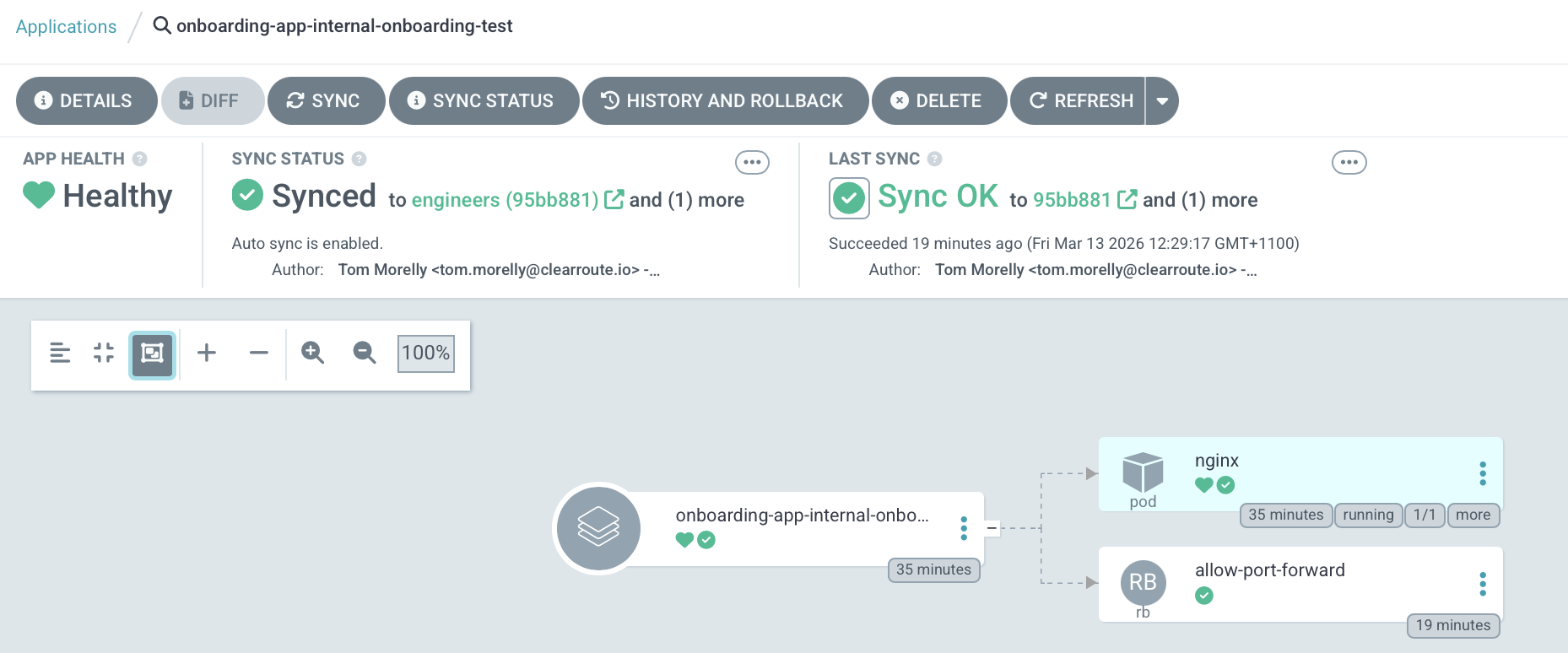
ArgoCD will pick up the PR. If your branch name equals your application name, it will create an ArgoCD App for your PR and apply its manifests in the dev kustomize overlay:
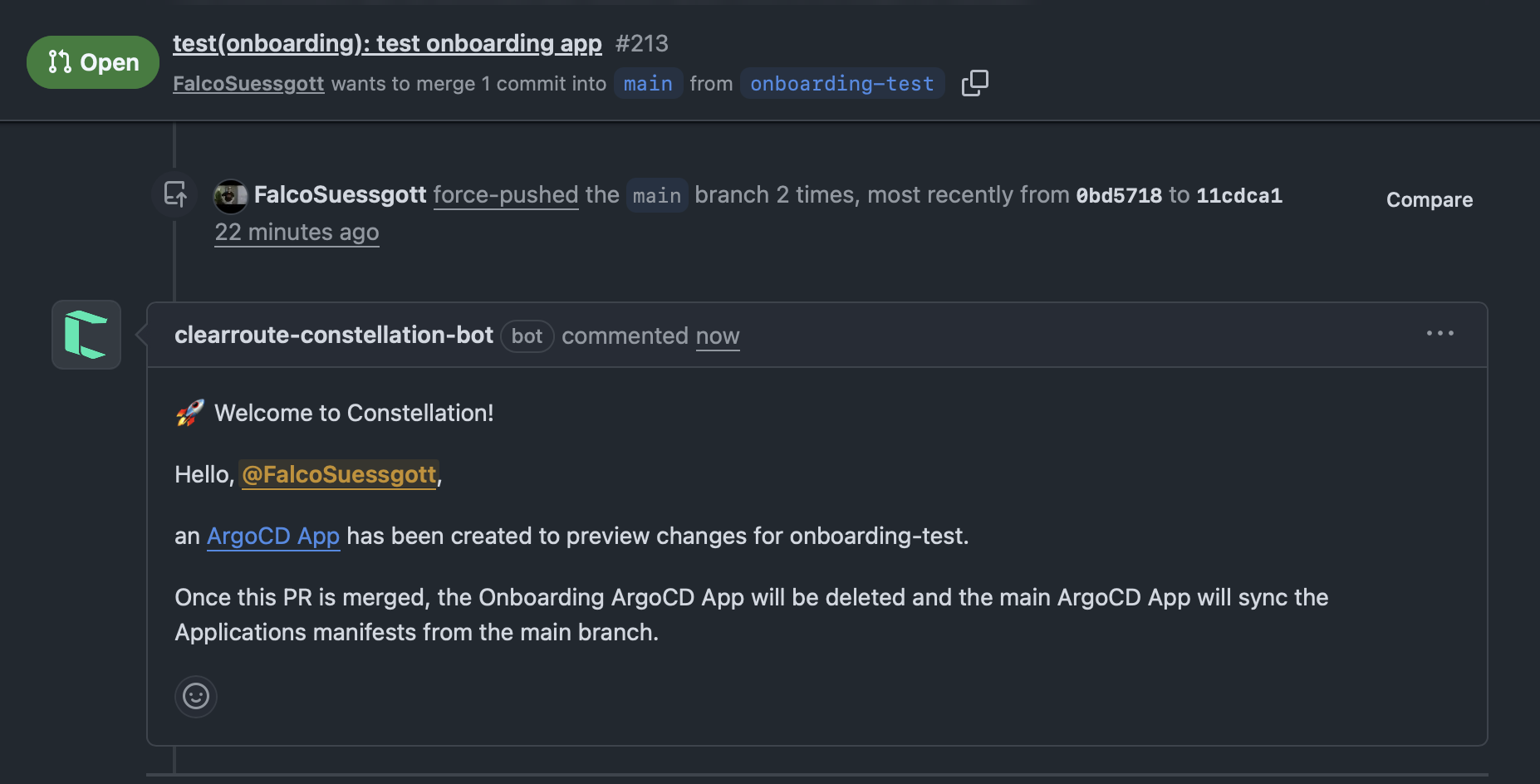
You should also see a PR comment confirming this:
You can continue committing to your PR until the application is up and running.
You will also be able to see your Pod logs and exec into Pods using the ArgoCD UI:

If you merge or close the PR, the application and its manifests will be deleted. Once merged into main, the main ArgoCD App for your application will be created.
6. Enable Preview Environments for Your Application
Once your application is up and running in Dev, you can optionally add preview environments.
To do this, create the <app-name>/overlays/preview/kustomization.yaml overlay. This will likely differ from your dev overlay. Again, it is helpful to browse existing examples.
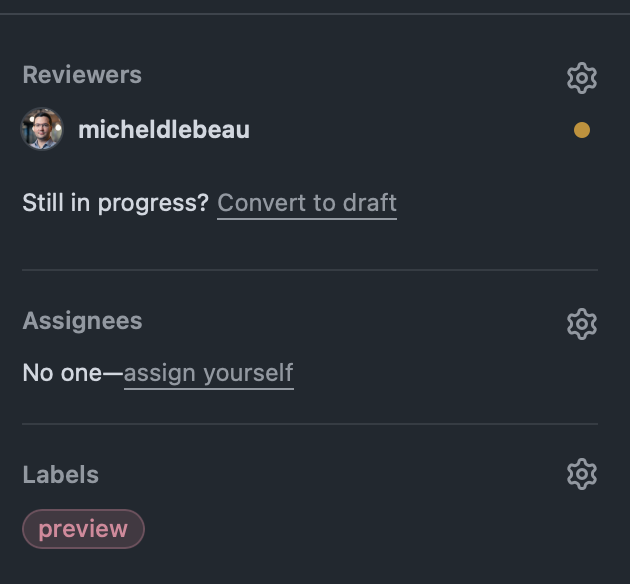
Preview environments allow you to see your application running before publishing a new release. You can opt-in per PR in your application's repository by adding the preview label to the PR:
Shortly after, you should receive a PR-comment redirecting you to your Apps Preview environment:
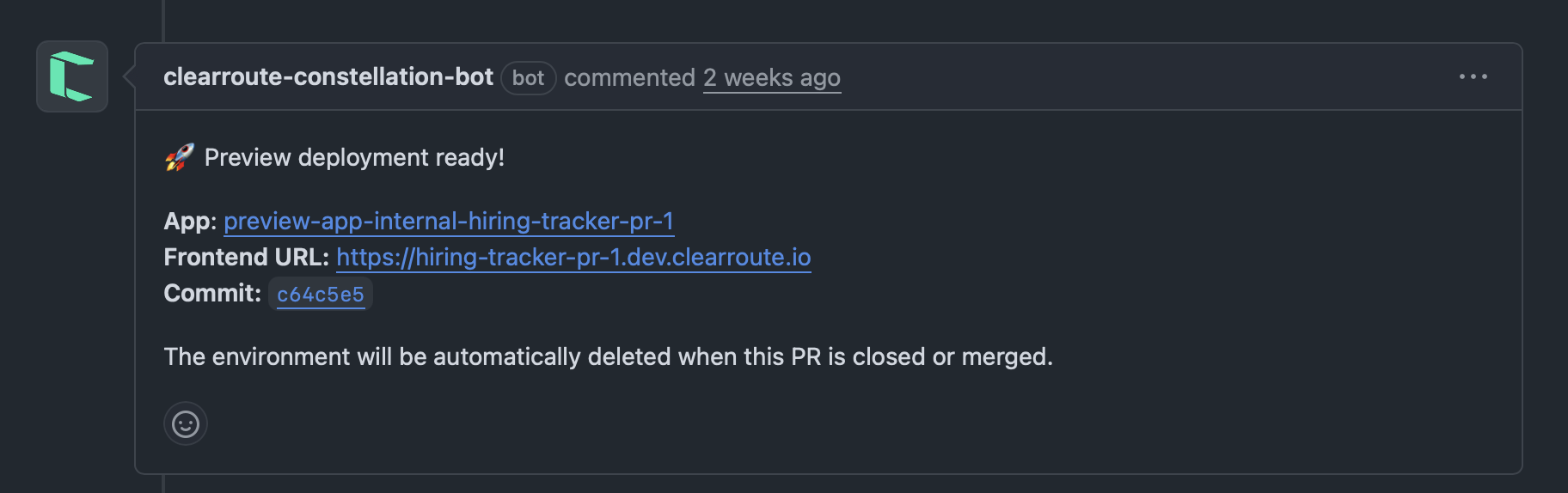
As you can see, the ArgoCD App name, as well as any URLs, contain the PR-number.
Preview images expire after 14 days
Preview (PR-built) images are pushed to dedicated <app>-<component>-preview ECRs with an aggressive lifecycle policy: any preview image is expired 14 days after it was pushed (and untagged images after 1 day). Because the tags are IMMUTABLE, a long-lived preview PR whose image has aged out will hit ImagePullBackOff the next time its pod reschedules (e.g. a Karpenter node move) — even though nothing about the PR changed. If you need a preview environment to survive longer than two weeks, push a fresh commit (or re-run the build) to republish the image. See ADR-0012.
7. Staging Your Application into PROD
The last step is to stage your application into the Constellation PROD environment. At this point, it is usually a matter of creating the <app-name>/overlays/prod/kustomization.yaml, which should be almost identical to your dev overlay.
However, for resources, we highly recommend pinning your prod overlay to specific commits. This allows you to make changes to your application's base directory without immediately affecting PROD:
apiVersion: kustomize.config.k8s.io/v1beta1
kind: Kustomization

resources:
  - https://github.com/clear-route/constellation-iac//applications/internal/comply/base?ref=03bbdd364d6f15812bd1d12b88f221a57e971043
  - https://github.com/clear-route/constellation-iac//applications/kustomize/promwright?ref=03bbdd364d6f15812bd1d12b88f221a57e971043
  - https://github.com/clear-route/constellation-iac//applications/kustomize/rds-db-provisioning?ref=03bbdd364d6f15812bd1d12b88f221a57e971043
This way you can patch base files without affecting PROD.
8. (Optional) Trigger Renovate
Once your dev or prod overlay is merged into main, Renovate automatically tracks image versions in your overlays/dev/ and overlays/prod/ kustomization files and opens PRs to bump them when new images are published.
Renovate runs on a schedule, but you can trigger it immediately after onboarding so it discovers your new app without waiting for the next run.
Via the GitHub CLI:
Via the GitHub UI:
Navigate to clear-route/constellation-iac → Actions → Trigger Renovate → Run workflow.
Note
Renovate will only open image-bump PRs once your CI is publishing images to ECR and at least one image tag exists in the registry. If it finds nothing to update on first run, that is expected — trigger it again after your first image push.