GitOps
Constellations IaC repository uses the Apps-of-Apps Pattern for Cluster bootstrapping by applying a root ArgoCD app that then syncs all other Apps:
Directory Structure
> cd applications
> tree -d
.
├── argocd          # argocd apps
│   ├── dev
│   ├── prod
│   └── sandbox
├── external            # internet facing apps
│   └── <app-name>      # application directory
│       ├── base        # base manifests
│       └── overlays    #  kustomize overlays
│           └── sandbox # sandbox overlays
│           └── dev     # dev overlays
│           └── prod    # prod overlays
├── internal            # Clearroute internal facing apps
│   ├── <app-name>      # application directory
│       ├── base        # base manifests
│       └── overlays    # kustomize overlays
│           └── sandbox # sandbox overlays
│           └── dev     # dev overlays
│           └── prod    # prod overlays
├── management                # management applications, that are needed to operate cluster and run applications
│   ├── cert-manager          # helm values and manifests for cert-manager
│   ├── cluster-autoscaler
│   ├── external-dns
│   ├── external-secrets
│   ├── kube-prometheus-stack
│   └── traefik
ArgoCD
argocd CLI
Tip
Download the ArgoCD CLI from here
Run the following command to authenticate to Constellation using the argo CLI:
Webterminal
Note
This might not work in the Safari.
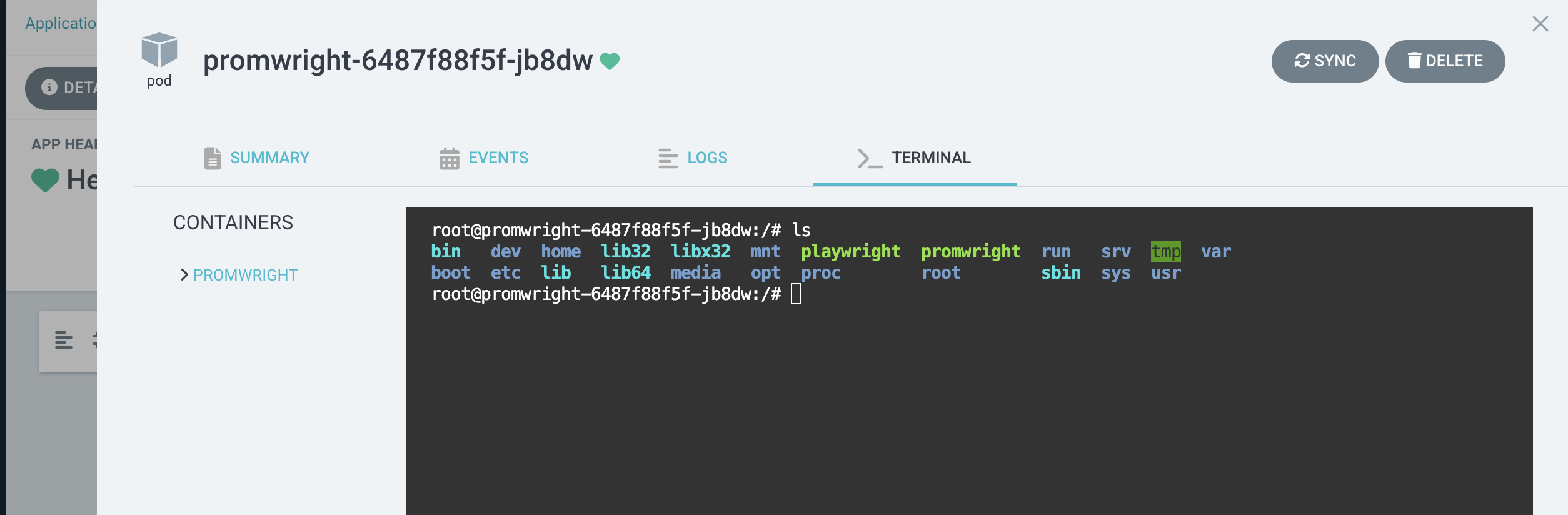
On dev and sandbox the Web-based Terminal is enabled, which allows you to run arbitrary commands in any container, which is especially useful for troubleshooting: